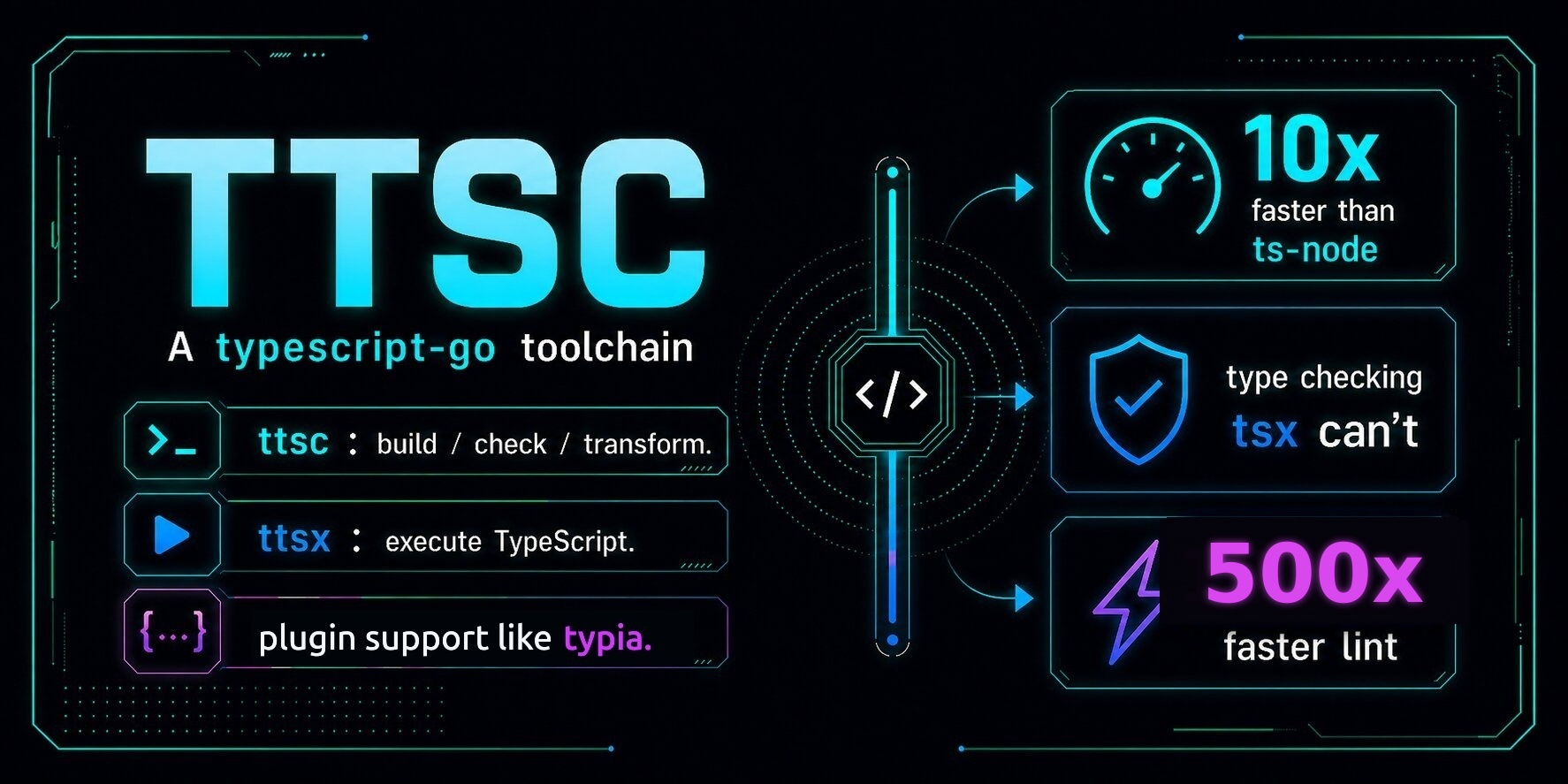
ttsc A typescript-go toolchain for compiler-powered plugins and type-safe execution. ttsc: build, check, and transform. ttsx: execute TypeScript with type checking. @ttsc/lint: lint violations as compiler errors. @ttsc/graph: MCP code graph that reduce token usage. plugin support: compiler-powered libraries, such as typia. Setup Install Install ttsc, @ttsc/lint, and the native TypeScript compiler: npm install -D ttsc @ttsc/lint typescript Commands Run TypeScript directly with ttsx (CLI command): npx ttsx src/index.ts Build, check, or watch the project with ttsc: npx ttsc npx ttsc --noEmit npx ttsc --watch Rewrite source files in place with the @ttsc/lint format rules: npx ttsc format Bundlers Use @ttsc/unplugin when a bundler owns your build. It runs ttsc plugins inside supported bundlers. npm install -D ttsc @ttsc/lint typescript npm install -D @ttsc/unplugin Minimal Vite setup: // vite.config.ts import ttsc from "@ttsc/unplugin/vite"; import { defineConfig } from "vite"; export default defineConfig({ plugins: [ttsc()], }); Supported bundlers: Vite Rollup Rolldown esbuild Webpack Rspack Next.js Farm Bun See @ttsc/unplugin for full setup and adapter options. React Native / Expo React Native and Expo bundle with Metro, so the ttsc CLI and @ttsc/unplugin never run. @ttsc/metro is a Metro transformer that runs ttsc plugins on each TypeScript file, then hands the result to your existing Expo or React-Native Babel transformer. npm install -D ttsc @ttsc/lint typescript npm install -D @ttsc/metro Wrap your Metro config (CommonJS, the standard for metro.config.js): // metro.config.js (Expo) const { getDefaultConfig } = require("expo/metro-config"); const { withTtsc } = require("@ttsc/metro"); module.exports = withTtsc(getDefaultConfig(__dirname)); For bare React Native, wrap getDefaultConfig from @react-native/metro-config instead. See @ttsc/metro for options and the v1 caveats. VS Code Extension Install the VS Code extension for live TypeScript-Go editor features plus saved-state ttsc plugin diagnostics and actions. Install it from the VS Code Marketplace by searching ttsc, or run: npx @ttsc/vscode Then turn on format-on-save in .vscode/settings.json: "[typescript][typescriptreact]": { "editor.defaultFormatter": "samchon.ttsc", "editor.formatOnSave": true } Lint fixes stay off-save by default; opt in with "editor.codeActionsOnSave": { "source.fixAll.ttsc": "explicit" }. See @ttsc/vscode for requirements and settings. Coding Agents (MCP) @ttsc/graph gives a coding agent a checker-resolved map of your project, over MCP. It answers what relates to a symbol and what a change affects, straight from the type checker, so the agent stops grepping and re-reading files. It also carries the project's full diagnostics: type errors, @ttsc/lint violations, and plugin findings. They are fused onto the graph, so an agent sees a change's reach over what is already broken before editing. npm install -D ttsc @ttsc/graph typescript Point your agent's MCP client at it. For Claude Code: { "mcpServers": { "ttsc-graph": { "command": "npx", "args": ["-y", "@ttsc/graph"] } } } On codegraph's own agent-cost benchmark, Claude agents answer reading zero files, cutting tokens by 77% to 86% and tool calls by 94% to 95%. See @ttsc/graph and the benchmark. Your agent picks the tools up from the MCP handshake and uses them on its own. See Setup for the full walk-through. Plugins Plugins let libraries add compile-time checks, transforms, and type-driven code generation to normal ttsc and ttsx runs. # compile npx ttsc # execute npx ttsx src/index.ts Transform Example A transform uses TypeScript types to generate JavaScript before runtime. import typia, { tags } from "typia"; import { v4 } from "uuid"; const matched: boolean = typia.is<IMember>({ id: v4(), email: "[email protected]", age: 30, }); console.log(matched); // true interface IMember { id: string & tags.Format<"uuid">; email: string & tags.Format<"email">; age: number & tags.Type<"uint32"> & tags.ExclusiveMinimum<19> & tags.Maximum<100>; } The transform replaces typia.is<IMember>() with dedicated JavaScript checks at build time: import typia from "typia"; import * as __typia_transform__isFormatEmail from "typia/lib/internal/_isFormatEmail"; import * as __typia_transform__isFormatUuid from "typia/lib/internal/_isFormatUuid"; import * as __typia_transform__isTypeUint32 from "typia/lib/internal/_isTypeUint32"; import { v4 } from "uuid"; const matched = (() => { const _io0 = (input) => "string" === typeof input.id && __typia_transform__isFormatUuid._isFormatUuid(input.id) && "string" === typeof input.email && __typia_transform__isFormatEmail._isFormatEmail(input.email) && "number" === typeof input.age && __typia_transform__isTypeUint32._isTypeUint32(input.age) && 19 < input.age && input.age <= 100; return (input) => "object" === typeof input && null !== input && _io0(input); })()({ id: v4(), email: "[email protected]", age: 30, }); console.log(matched); // true Programmatic API Embed ttsc from another Node tool with the TtscCompiler class: import { TtscCompiler } from "ttsc"; const compiler = new TtscCompiler({ cwd: "./project" }); const result = compiler.compile(); if (result.type === "success") { for (const [path, text] of Object.entries(result.output)) { // path is project-relative ("dist/index.js", "dist/index.d.ts", ...) console.log(path, text.length); } } else if (result.type === "failure") { for (const d of result.diagnostics) { console.error(`${d.file}:${d.line}:${d.character} ${d.messageText}`); } } When one process transforms a project's files repeatedly (a watch server, an editor, a codegen tool), TtscService keeps the compiler host warm instead of recompiling per call. It compiles the project once, then answers per-file transform requests, and reflects in-memory edits through updateFile: import { TtscService } from "ttsc"; const service = new TtscService({ cwd: "./project" }); try { const code = await service.transformFile("src/index.ts"); await service.updateFile("src/index.ts", "export const x: number = 2;\n"); const next = await service.transformFile("src/index.ts"); } finally { service.dispose(); } TtscService runs through the linked-plugin host, so the project must declare at least one transform-stage plugin. See the Programmatic API guide for the full lifecycle, plugin overrides, and patterns. For browser embedding, see @ttsc/wasm and the higher-level @ttsc/playground package. List of Plugins ttsc ships a few small utility plugins in this repository. @ttsc/banner: adds @packageDocumentation JSDoc banners. @ttsc/lint: lints and formats TypeScript source. @ttsc/graph: MCP server exposing a checker-resolved code graph and diagnostics to coding agents. @ttsc/paths: rewrites source path aliases so JS and declaration emit receive relative imports. @ttsc/strip: removes configured calls and debugger statements. @ttsc/unplugin: runs ttsc plugins inside bundlers supported by unplugin. @ttsc/metro: runs ttsc plugins inside Metro for React Native and Expo. Plugin authors should start from the Guide Documents. Ecosystem plugins are listed below; PRs adding ttsc plugins are welcome. nestia: generates NestJS routes, OpenAPI, and SDKs. typia: generates validators, serializers, and type-driven runtime code.